

See how your webpage actually handles consent
Do not detect Youtube/Vimeo videos
Do not detect native Google Maps
Do not detect all the pages from your website
Do not integrate with Webflow Analyze/Optimize
Do not detect Google Fonts
Run a free scan to detect common data-privacy issues on Webflow websites in minutes.

Enter your URL to get started
Requesting scan...
Oops! Something went wrong while requesting for scan.
No signup
No installation
Takes a few minutes

Trusted by 2000+ companies
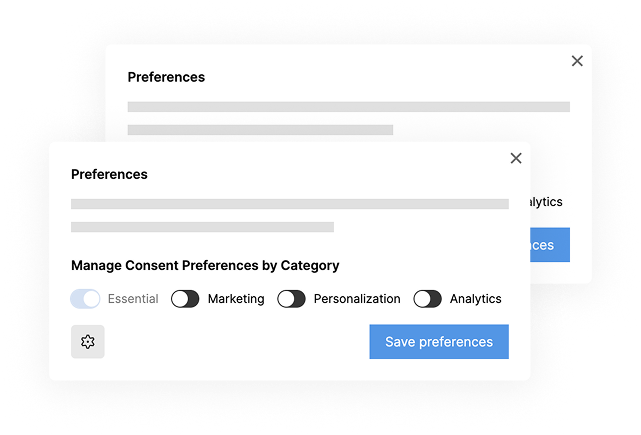
Why most Webflow sites are breaking privacy laws
Due to some native Webflow features, cookie consent tools that are not specialized in Webflow often miss important checks. This increases the chances of skipping key steps that could put your company at risk of violating privacy laws.
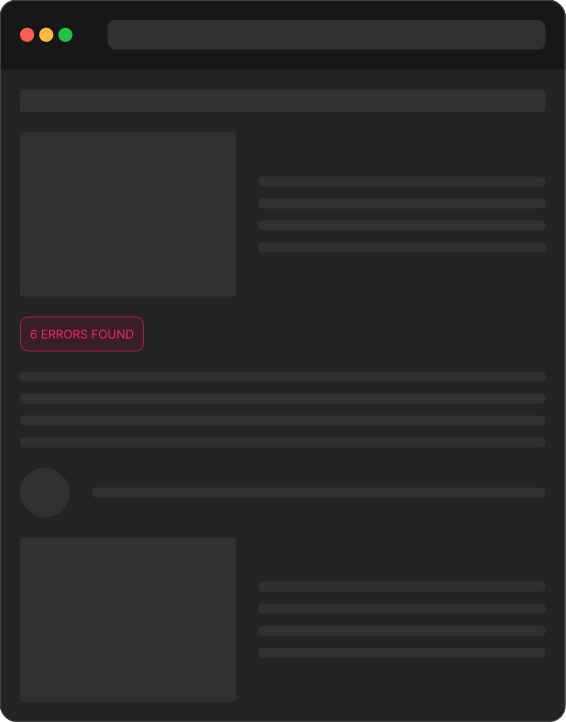
What we commonly found after scanning 100+ webpages
Scripts and cookies are loading before consent is given
Tracking tools fire even when users decline
Cookie banners that don’t actually block anything
Manual setups breaking as sites scale
Region-specific consent rules were not applied correctly
Frequently Asked Questions
Is the webpage scan free?

Yes. The scan is completely free. You can enter any public webpage URL and run a full consent and data-privacy scan without signing up or installing anything.
Why should I scan my webpage?
Even if you already have a cookie banner or consent tool, there are often gaps in how scripts load, how consent is stored, or how different regions are handled. The scan shows what’s actually happening and not what you expect to happen.
What does the scan check or detect?
The scan analyzes how your webpage handles consent-related behavior, including:
- Cookies and scripts are loading before consent
- Third-party tools (analytics, ads, embeds)
- Whether consent is properly triggered and respected
- Common configuration issues that lead to compliance risks
Does the scan make changes to my webpage?
No. The scan is read-only. It does not inject scripts, store cookies, or modify your site in any way. It simply observes how your webpage behaves for a visitor.
Why is data privacy and consent compliance important?
Because consent is no longer just a legal checkbox, it directly affects:
- User trust
- Brand credibility
- Regional access (GDPR, ePrivacy, etc.)
- How tools like analytics and marketing platforms should behave
A broken or misleading consent setup can expose your business to risk while degrading the user experience.
Is this scan enough to make my webpage compliant?
The scan helps you identify issues. Fixing them requires a proper consent management system like Consent Pro that controls how scripts and cookies behave.
What should I do after reviewing my scan results?
If the scan shows issues:
- Understand what’s loading too early or incorrectly
- Evaluate whether your current setup can handle consent properly
- Consider using a system designed to manage consent by behavior, not just banners
Consent Pro is built specifically to solve the types of issues the scan surfaces, automatically and at scale.
.svg)
Thank you! Your submission has been received!
Oops! Something went wrong while submitting the form.
Scan for free
No email required
Instant report with instructions
Trusted by 2000+ companies

Found issues? Consent Pro fixes them automatically.
Consent Pro detects and blocks scripts, categorizes trackers with AI, handles region-specific banners, and stores consent proof all automatically. Built natively for Webflow.